

How to Storyboard for Interactive eLearning: A Step-by-Step Guide for L&D Teams
Creating interactive eLearning without a storyboard is like building a house without a blueprint. You might get something done, but it will cost more time, more revisions, and more frustration than necessary.
For L&D teams, storyboarding is not just a design activity. It is a thinking process that connects learning objectives, content flow, interactivity, assessments, and user experience before development even begins.
In this guide, you’ll learn how to storyboard interactive eLearning step by step, using a practical, real-world approach that works for corporate training, compliance programs, product training, and skill-based learning.
What Is an eLearning Storyboard (And Why It Matters)
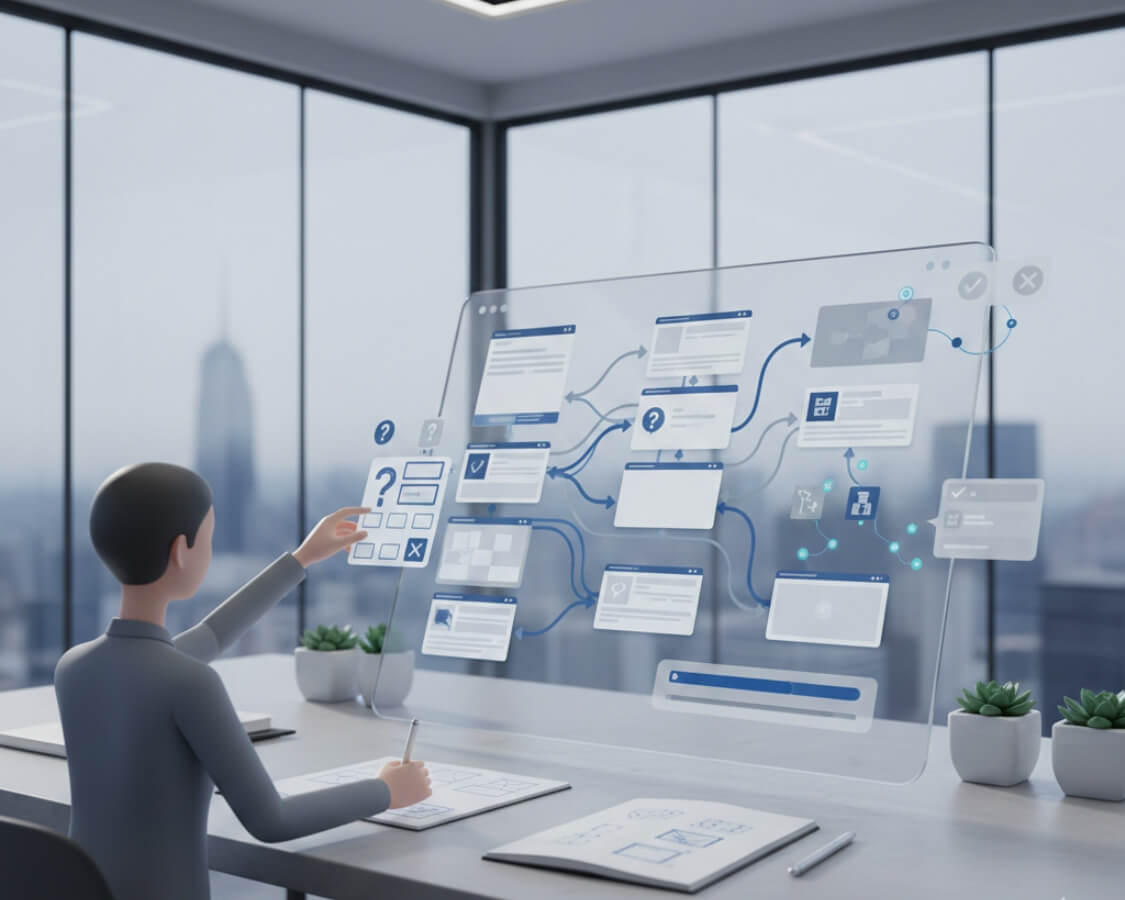
An eLearning storyboard is a detailed visual and instructional plan of your course. It shows what appears on each screen, what learners will do, what feedback they receive, and how the course flows from start to finish.
A strong storyboard answers questions like:
-
What does the learner see on this screen?
-
What action does the learner take?
-
What happens if they choose the wrong option?
-
How does this screen support the learning goal?
Unlike static content outlines, interactive eLearning storyboards focus on learner decisions, scenarios, feedback, and branching paths not just text on slides.
For L&D teams, a good storyboard:
-
Reduces rework during development
-
Aligns SMEs, designers, and developers early
-
Improves learner engagement and retention
-
Keeps projects on time and within budget
Step 1: Start With Clear Learning Outcomes (Not Content)
One mistake many teams make is opening PowerPoint and starting with content. Instead, begin with learning outcomes.
Ask:
-
What should learners do differently after this course?
-
What decisions should they make correctly on the job?
-
What mistakes must they avoid?
For example, instead of writing:
“Understand SOPs for equipment handling”
Reframe it as:
“Correctly follow SOP steps while operating equipment without safety violations”
This shift ensures your storyboard focuses on performance, not information dumping.
Step 2: Break the Course Into Meaningful Learning Moments
Before storyboarding screen by screen, map the learning flow. Think in terms of short learning moments rather than long modules.
A practical structure looks like:
-
Context: Why this matters
-
Challenge: A real-world problem
-
Action: Learner makes a choice
-
Feedback: Consequence of that choice
-
Reinforcement: Key takeaway
This approach naturally supports scenario-based learning, which many competitors mention but don’t fully explain how to plan.
Step 3: Choose the Right Level of Interactivity (Early)
Not every screen needs animation or branching. The key is intentional interactivity.
During storyboarding, decide:
-
Where learners must make decisions
-
Where reflection is enough
-
Where practice is critical
Common interactive elements to plan in the storyboard include:
-
Click-to-reveal interactions
-
Multiple-choice decisions with feedback
-
Drag-and-drop sequencing
-
Branching scenarios
-
Knowledge checks with remediation paths
By defining this early, you avoid costly changes later in development.
Step 4: Design Each Screen Like a Mini Experience
Now comes the heart of storyboarding: screen-level planning.
For each screen, clearly document:
-
Screen title or purpose
-
On-screen text (concise, conversational)
-
Visual description (image, animation, video)
-
Learner interaction
-
System feedback or narration
-
Navigation rules (next, retry, branch)
Instead of writing paragraphs of text, think:
“What should the learner do here?”
This learner-first mindset is often missing in generic storyboard templates.
Step 5: Write Feedback That Teaches (Not Just Tells)
Feedback is where learning actually happens.
Avoid generic responses like:
“Incorrect. Please try again.”
Instead, your storyboard should include instructional feedback, such as:
-
Why the choice was incorrect
-
What risk it creates
-
What the correct action would be in real life
This is especially important for compliance, pharma, manufacturing, and safety training areas where Infylearn-style custom eLearning excels.
Step 6: Align Assessments With Real Job Scenarios
Assessments should never feel disconnected from the course.
While storyboarding, ensure assessments:
-
Reflect real workplace decisions
-
Use scenarios instead of memory recall
-
Match the difficulty of actual job tasks
For example, instead of asking:
“What is the first step of SOP?”
Use:
“You notice a deviation during operation. What should you do next?”
This approach improves both learning effectiveness and audit readiness.
Step 7: Review the Storyboard With SMEs the Right Way
Storyboards fail when SMEs treat them like content documents.
Guide SME reviews by asking:
-
Is this realistic to the job?
-
Would this decision actually happen?
-
Is the consequence accurate?
Avoid asking:
-
“Is all information included?”
This keeps the storyboard focused on performance and behavior, not content overload.
Common Storyboarding Mistakes to Avoid
Many competitors don’t talk about what not to do. Here are critical pitfalls:
-
Overloading screens with text
-
Designing interactivity without purpose
-
Ignoring learner context and environment
-
Treating storyboards as final scripts instead of working documents
-
Skipping feedback design
Avoiding these mistakes alone can dramatically improve your course quality.
Best Tools and Formats for eLearning Storyboards
There is no single “best” format. The right choice depends on team size and workflow.
Popular options include:
-
PowerPoint or Google Slides (easy SME review)
-
Word or Docs with tables (detailed documentation)
-
Specialized storyboard tools (complex branching)
What matters most is clarity, not the tool.
Interactive eLearning succeeds or fails long before development begins. It succeeds at the storyboarding stage, where learning goals, interactivity, and real-world relevance come together.
For L&D teams, investing time in a thoughtful storyboard means:
-
Better learner engagement
-
Faster development cycles
-
Higher training ROI
-
Fewer revisions and stakeholder conflicts
If you want interactive eLearning that actually changes behavior not just checks a box start with a strong storyboard.
If your team needs help creating performance-driven storyboards for custom eLearning, partnering with an experienced instructional design team can make all the difference.